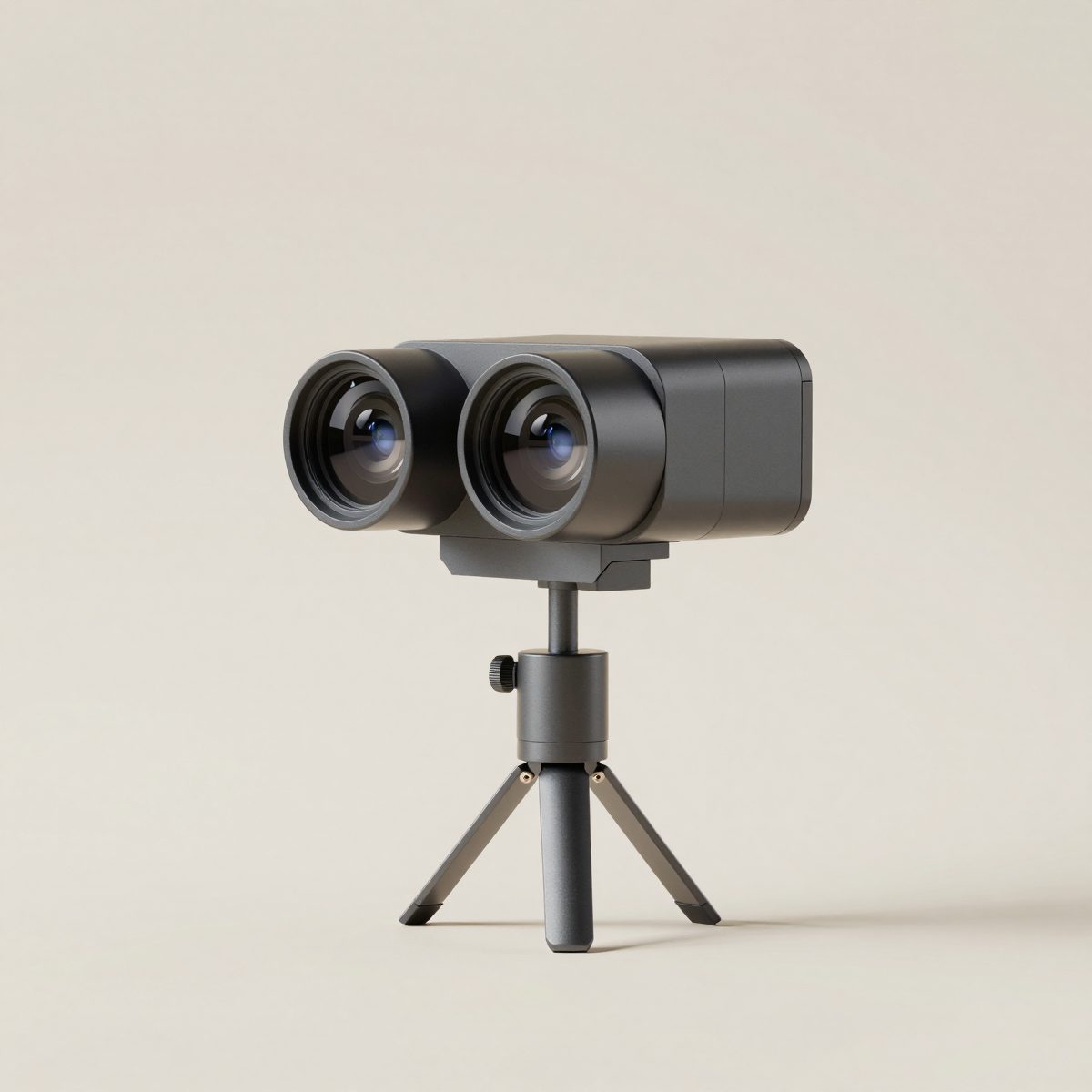
How we chose. We have not tested these cameras. The table uses each maker's published specifications and the Australian prices named in the sources, read on 3 October 2026. We earn nothing from these links. Everyroom is our own camera, in early access; we leave it out of the comparison because nobody can buy it yet.
Compared
| Camera | Type | Australian price seen | Suits |
|---|---|---|---|
| Insta360 X5 | Consumer 360 camera, 72MP 360 stills, 8K video | $930 (standard bundle) | Agents starting out with 360 tours |
| Ricoh Theta X | Consumer 360 camera with a touch screen | $699 at one retailer; prices vary widely | Quick 360 stills, simple tours |
| Matterport Pro3 | Professional LiDAR 3D camera | $9,250 plus GST | Photographers and large agencies producing 3D tours and floor plans at volume |
Consumer 360 cameras
The Insta360 X5 and Ricoh Theta X take a full 360 photo in one press. On a tripod in the middle of each room, they make the shots for a 360 tour in tour software such as Kuula or CloudPano (see virtual tour makers). They are light and cheap, but they do not measure rooms, so floor plans need a separate method.
Professional 3D cameras
Matterport's Pro3 scans with LiDAR and builds a measured 3D model, from which Matterport can produce schematic floor plans. It costs far more and the tours are hosted on Matterport's subscription plans (see Matterport price).
What to look for
- Stills resolution and HDR, for clean windows and dark corners.
- A thin, stable tripod that disappears in the stitch.
- App support for the tour host you plan to use.
- Whether it measures, if you also want floor plans.
How 360 cameras work
A consumer 360 camera has two back-to-back lenses, each seeing more than half the world. The camera, or its app, stitches the two images together into a single equirectangular image, a flat image twice as wide as it is tall, which tour software wraps into a sphere you can look around. The stitch line runs where the two lenses meet, so keeping the camera level and objects at a sensible distance helps it disappear. Professional scanners such as the Pro3 add LiDAR, a laser that measures distances, so the software can build a measured 3D model rather than separate spheres.
360 tour or 3D tour?
| 360 tour | 3D tour | |
|---|---|---|
| Built from | Separate 360 photos linked by hotspots | A measured 3D scan of the whole home |
| Camera | Consumer 360 camera | 3D scanner or LiDAR camera, or a 360 camera on supported platforms |
| Floor plan | Separate, made another way | Can be generated from the scan on some platforms |
| Dollhouse view | No | Usually yes |
| Cost | Lower | Higher |
| Suits | Most listings, agent-made tours | Premium listings, high-volume photographers |
Many buyers are happy with a good 360 tour; a 3D tour adds the "dollhouse" overview and measurements. Our matterport alternatives guide covers platforms that can build 3D-style tours from 360 cameras.
Features that matter for listings
- Still image resolution. Higher resolution gives sharper detail when buyers zoom in, but the tour host may compress it; very high megapixel counts matter less than clean exposure.
- HDR or bracketing. Interiors have bright windows and dark corners; HDR makes both visible.
- Remote control by app, so you can trigger the shot from another room.
- Battery and storage to get through a large home without stopping.
- Durability, because cameras get knocked over on tripods.
- Software support: check the camera works with the tour host you plan to use.
Accessories you will need
- A thin, light tripod or monopod stand, designed for 360 cameras so it is small in the image.
- A spare battery and a fast memory card.
- A lens cloth, because smudges on the curved lenses show up badly.
- A soft case: 360 lenses stick out and scratch easily.
When a regular camera is still better
For the main listing photos, most professional photographers still use a regular camera with a wide-angle lens, because the images are sharper, framed and lit for a gallery. A 360 camera is for the tour, not a substitute for good gallery photos. Our real estate photography tips cover the gallery side, and our real estate photography cost guide shows what professionals charge.
Buying in Australia
Buy from an Australian retailer or the maker's local store for warranty support, and check that the box includes what you need, since bundles differ. Prices change often; the Australian prices in the table above were read on the date shown in the note. Under the Australian Consumer Law, the consumer guarantees apply alongside the maker's warranty.
Questions to answer before you buy
- Do you need measurements and floor plans, or just a walk-through tour?
- How many listings a month will you shoot?
- Will you make tours yourself or pay a photographer?
- Which tour host will you use, and does it support the camera?
- What is the total cost per listing, including the host's subscription?
Using a 360 camera well
- Use a thin tripod at about 1.5 metres, level.
- Turn on HDR or bracketing for interiors.
- Shoot from the app and step out of view.
- Clean the lenses before each room; fingerprints show as blur.
- Keep objects a little away from the camera, because very close objects distort and stitch badly.
- Shoot exteriors in good light and avoid the sun directly in one lens.
- Check each shot on the phone before moving on.
Image quality, explained
360 camera specifications quote large megapixel figures, but those pixels are spread across a whole sphere. When a viewer looks at one part of the scene, they see only a fraction of the total, which is why 360 stills look softer than a regular photo of the same room. Good dynamic range, clean stitching and accurate colour matter more for a tour than the headline megapixels. Compare sample tours from each camera in real homes rather than relying on the specification sheet.
Video tours versus still tours
Most 360 cameras shoot video as well as stills. A 360 walk-through video can work for social media, but for a listing tour, still 360 images linked by hotspots are usually better: sharper, easier to navigate and quicker to load on a phone. Use video for short highlight clips and stills for the tour.
How long a 360 camera lasts
A consumer 360 camera used for listings gets handled every week, and the exposed lenses are the weak point. A protective case, lens guards where they do not affect image quality, and careful handling on tripods add years to its life. Budget for a replacement every few years if you shoot many listings, since newer models usually improve image quality and stitching.
Choosing by the kind of work you do
A sales agent shooting their own listings. A consumer 360 camera, a light tripod and a tour host with portal-friendly links. Ease of use matters more than the last bit of image quality, because the camera will be used quickly between appointments. Choose a model with a reliable phone app and good HDR.
A property manager doing rental tours and condition records. A consumer 360 camera again, chosen for speed and battery life. Rental tours are often shot in occupied homes, so a camera that captures quickly and lets you check shots on the phone saves return visits. Keep the original files with the ingoing condition report; a full 360 image of each room is a useful record of how the property looked.
A photographer adding tours to their packages. Either a high-end consumer 360 camera or a professional 3D camera, depending on whether clients want floor plans and measurements from the same capture. If your clients ask for dollhouse views, the professional route usually pays for itself; if they want simple walk-through tours, the consumer camera is quicker and cheaper.
A builder or developer showing display homes. A professional 3D camera is usually worth it here, because display homes stay up for a long time, the tour gets many views, and buyers want measurements. A display home tour is also a good place for a short highlight video shot on the same camera.
Common faults and how to avoid them
- A visible tripod. Use a thin monopod-style stand and the camera's nadir patch or tripod removal.
- Stitch lines through furniture. Move the camera so the line between lenses falls on a plain wall rather than a table edge.
- Blown-out windows. Use HDR, shoot at a better time of day, or close sheer curtains.
- Tilted horizons. Level the tripod and turn on the camera's horizon correction.
- Reflections of the operator. Check mirrors and glass and hide around a corner when you trigger the shot.
- Soft images. Clean the lenses and do not zoom into the 360 image in the tour viewer beyond what it can show.
- Different colour from room to room. Fix white balance or use the same lighting approach in every room.
Phone, 360 camera or professional camera?
| Option | Best for | Trade-off |
|---|---|---|
| Phone app tours | Trying tours at no cost | Slow per room, inconsistent stitching |
| Consumer 360 camera | Agents and property managers | Softer than a regular photo, no measurements |
| Professional 3D camera | Photographers, display homes, high-value listings | Higher cost, slower capture, subscription host |
Most agents start with a consumer 360 camera and only move to a professional system when clients ask for floor plans and measured 3D tours from the same visit.
Looking after the files
Each 360 image is large, and a tour may have dozens. Back up the original files after every shoot, keep them named by address and date, and store the exported tour links with the listing. If a vendor asks for the tour after settlement, or a tenant disputes the condition of a rental, the original files are what you will need.
A simple kit list
- A consumer or professional 360 camera.
- A thin, stable tripod or light stand that reaches about 1.5 metres.
- Two or more spare batteries, or a power bank the camera can charge from.
- A microfibre lens cloth and a protective case.
- Enough fast memory cards for a full day of shooting.
- A phone with the camera's app and a charged battery.
- A small spirit level if the tripod does not have one.
That kit fits in one bag, which makes it easy to carry from listing to listing. Agents who shoot often keep it packed and charged so a tour can be captured on the same visit as the listing appointment or the photography.
How to compare sample tours
The most useful test is to open sample tours from each camera on your own phone. Look at the same things in each: how sharp the kitchen benches look, whether the windows show the view or a white blur, whether the stitch lines are visible, and how dark rooms look. Try a sample from a real home with ordinary lighting rather than a polished showroom, because that is closer to what your listings will look like.
Renting before you buy
Some camera shops and photography suppliers hire out 360 cameras by the day or week. Hiring one for a couple of listings is a cheap way to find out whether tours suit your work and which features you actually use, before spending on a camera of your own.
Warranty and repairs
Buy from an Australian retailer where you can, so warranty claims and repairs are handled locally under Australian Consumer Law. Ask how long repairs usually take and whether a loan camera is available, because a broken camera in a busy listing month means lost tours.
Everyroom
Everyroom, the camera this site is built around, is in early access and not yet for sale, so it is left out of the comparison above. If you want to hear when it is available, the early-access page explains how to sign up.
Common questions
Which 360 camera is best for real estate?
For simple 360 tours, a consumer camera such as the Insta360 X5 or Ricoh Theta X. For measured 3D tours and floor plans, a professional scanner such as the Matterport Pro3. We do not rank them.
Is Insta360 good for real estate photography?
It makes good 360 tour stills on a tripod. For listing gallery photos, most photographers still use a regular camera with a wide lens.
Is a 360 camera worth it for an agent?
If you list often and want to make your own tours, a consumer 360 camera costs less than a few photographer add-ons. Weigh your time against supplier fees.